Home
Features
Motor101
Android Auto Keeps Disconnecting? Here's What Might Be Wrong
Android Auto refusing to connect? From faulty USB cables to software glitches, here are the most common causes and how to fix them.
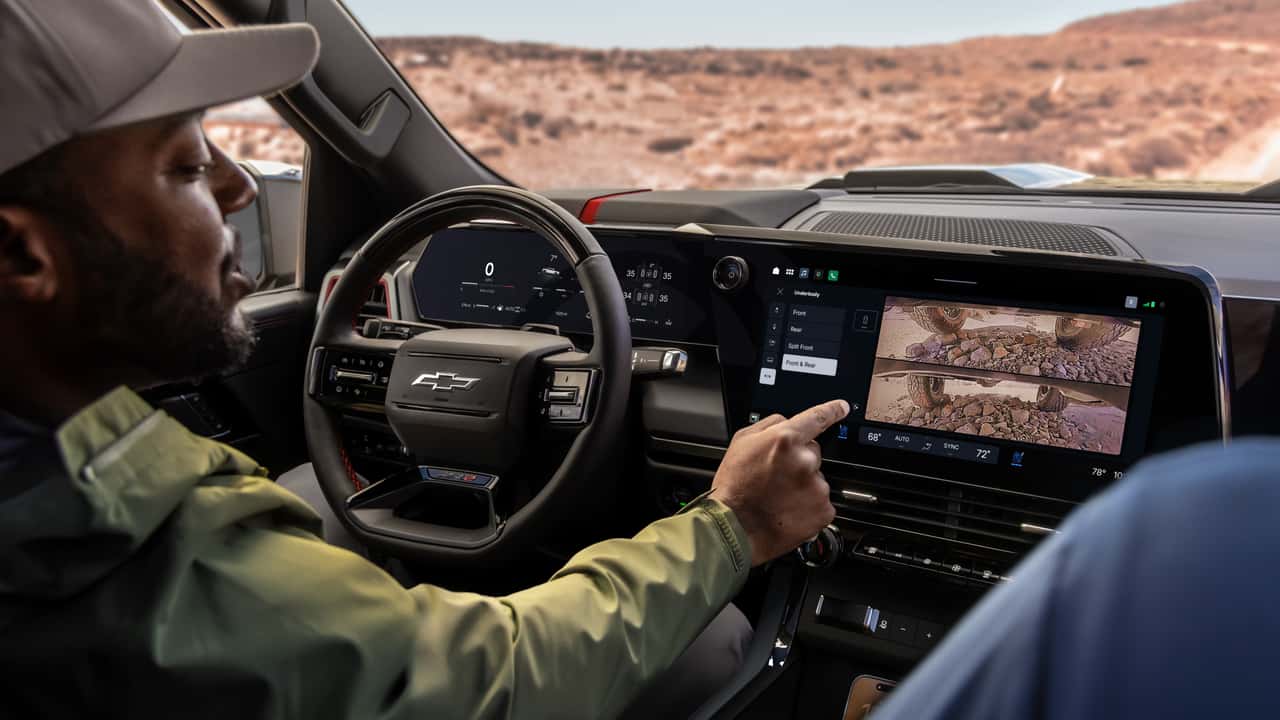
Photo by: General Motors
Dan Mihalascu 
By: Dan Mihalascu
Nov 26, at 9:00am ET
Add Motor1.com as a preferred source in Google
- (https://twitter.com/intent/tweet?url=https%3A%2F%2Fwww.motor1.com%2Ffeatures%2F816600%2Fwhy-is-android-auto-not-working-in-my-car%2F&text=Android%20Auto%20Keeps%20Disconnecting%3F%20Here%27s%20What%20Might%20Be%20Wrong&via=motor1com)
- copy
Share
Comment
Android Auto has become an essential feature for many drivers, making it easier to access Google Maps, music, phone calls, and messages directly through a car's infotainment screen. However, few things are more frustrating than getting behind the wheel, plugging in your smartphone, and discovering that Android Auto refuses to connect.
Whether the system suddenly stops working, repeatedly disconnects, or fails to recognize your phone altogether, there are several possible explanations. From faulty USB cables and outdated software to wireless connectivity problems and incompatible infotainment systems, many Android Auto issues can be resolved with a few simple troubleshooting steps.
Your USB Cable Or Car's USB Port Could Be The Problem
If you use a wired Android Auto connection, your USB cable should be one of the first things you check. Not every USB cable supports data transfer. Some are designed primarily for charging, meaning your smartphone might receive power when connected to the vehicle but fail to establish a connection with the infotainment system.
A damaged cable can also cause intermittent disconnections, frozen screens, or connection failures. Google recommends using a high-quality USB cable shorter than three feet (one meter), ideally the one supplied with your smartphone.
The vehicle's USB port could also be responsible. Some cars have multiple USB connections, but not all support Android Auto. A port might still charge your phone even if its data-transfer capabilities are compromised. Try another compatible port if your vehicle has one, and check your owner's manual to identify the correct connection.
If changing the cable doesn't help and multiple smartphones fail to connect, the vehicle's USB hardware might require professional attention.
Your Smartphone Or Vehicle Software Might Be Outdated
Android Auto relies on communication between your smartphone and the vehicle's infotainment system. If either device is running outdated software, compatibility problems can prevent the connection from working correctly.
Google recommends keeping your Android phone updated to the latest available version. You should also check for updates to Google Play services and ensure Android Auto's system components are up to date. Android Auto is integrated into compatible Android smartphones, so most users don't need to download a separate application.
Your vehicle's infotainment software matters, too. Some manufacturers release firmware updates that address smartphone compatibility, connectivity problems, and system stability.
If Android Auto stopped working immediately after a software update, a temporary compatibility bug could be responsible. Restarting your smartphone and infotainment system is a sensible first step. You should also check whether another update is available before considering more complicated solutions.
Wireless Android Auto Could Be Having Connectivity Issues
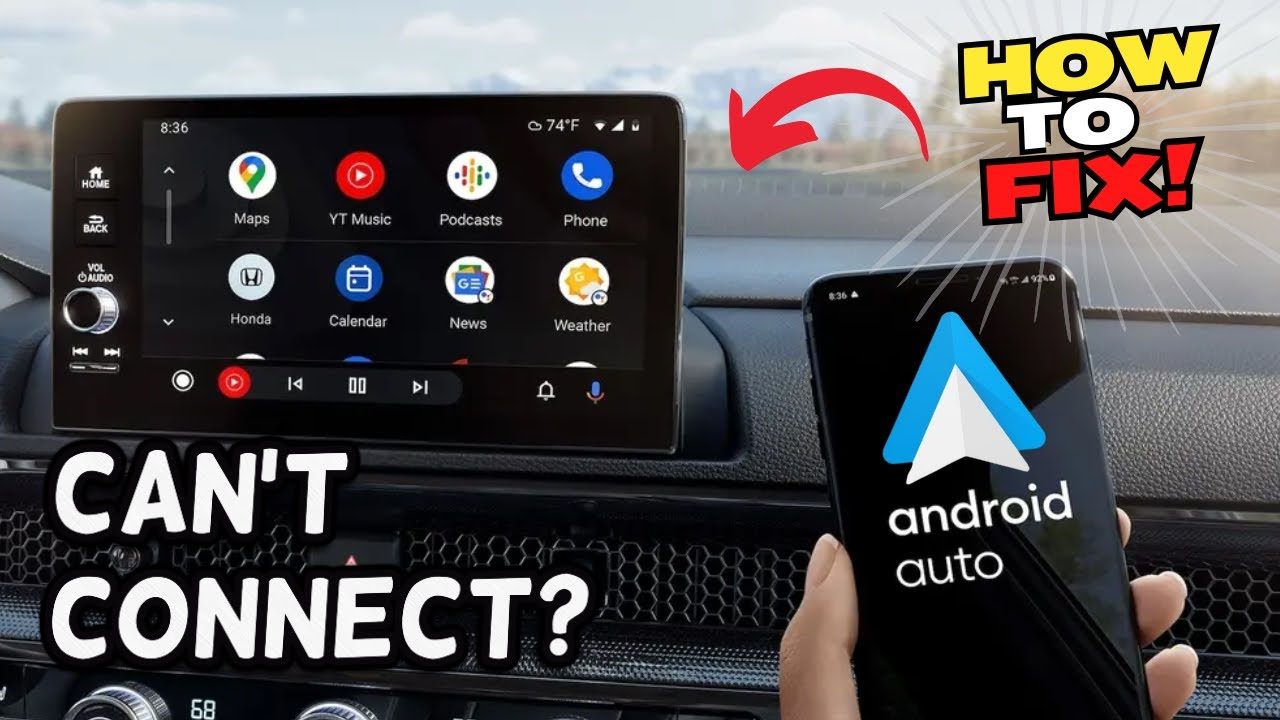
Wireless Android Auto is convenient because it eliminates the need to plug your phone into the car every time you drive. Unfortunately, it also introduces additional connectivity requirements.
Unlike conventional Bluetooth audio streaming, wireless Android Auto relies on both Bluetooth and Wi-Fi to establish and maintain its connection. Your phone also needs to meet the wireless compatibility requirements of your vehicle's infotainment system. If Android Auto refuses to connect wirelessly, try the following:
- Make sure Bluetooth and Wi-Fi are enabled on your smartphone.
- Confirm that your vehicle supports wireless Android Auto, rather than only the wired version.
- Restart your phone and the car's infotainment system.
- Remove the existing Bluetooth pairing and reconnect both devices.
- Make sure Location Services are enabled during the initial setup.
- Follow the vehicle manufacturer's recommended wireless pairing procedure.
It's worth remembering that a successful Bluetooth connection doesn't necessarily mean Android Auto is working. Your phone might still make calls and play music through the car speakers without establishing the full Android Auto connection.
Your Android Auto Settings Or Saved Connections Could Be Causing Problems
Sometimes, the problem is not your smartphone or the vehicle's hardware. Android Auto might simply be disabled in your infotainment settings, or the saved connection between your phone and car could be causing a conflict.
Modern infotainment systems have numerous settings, and some allow drivers to choose which smartphones can connect automatically. If you've recently changed phones, adjusted your vehicle's settings, or started using Android Auto in another car, the system might not recognize your device correctly.
On your Android phone, navigate to Settings > Connected Devices > Connection Preferences > Android Auto. The exact menu names can vary depending on your smartphone manufacturer and Android version.
Look for Previously Connected Cars and forget the relevant vehicle. If necessary, remove all previously connected cars and start the pairing process again. You'll then need to reconnect your smartphone using the vehicle's recommended setup procedure.
This is particularly useful if you've recently upgraded your phone or experienced repeated connection failures with a vehicle that previously worked without problems.
What Are Drivers Saying About Android Auto Problems?
Reddit discussions suggest that USB connectivity is one of the most frustrating Android Auto problems. In one r/AndroidAuto thread, a driver reported that even slight movement of the USB cable caused the system to disconnect, despite the cable remaining plugged in. Other drivers described similar experiences, suggesting that cable quality and loose connections can make Android Auto unreliable.
Software updates are another recurring complaint. In a discussion about Android Auto disconnections, users reported that the problems started after updating the application, with some experiencing repeated connection and reconnection cycles. In r/GooglePixel, Pixel owners have also described random disconnections following smartphone updates, with troubleshooting attempts producing mixed results.
Wireless connectivity and infotainment compatibility can create additional headaches. One Volkswagen Golf R owner reported repeated disconnections with both a wireless adapter and a direct USB connection, while other drivers described connection problems that temporarily disappeared after restarting their infotainment systems. These experiences suggest that Android Auto problems aren't always caused by a faulty smartphone or cable; sometimes, the vehicle's infotainment software is part of the problem.
Your Car Might Not Support Android Auto
Another possibility is that your vehicle simply is not compatible with Android Auto. Although the feature is available in many modern cars, not every vehicle equipped with a USB port supports Google's smartphone integration platform. Some manufacturers introduced Android Auto on specific models, trim levels, or model years. As a result, two seemingly identical vehicles might have different infotainment capabilities.
It's also important to distinguish between wired and wireless compatibility. A vehicle that supports wired Android Auto doesn't automatically support wireless Android Auto. The latter requires compatible hardware and a suitable infotainment system.
If you're buying a used car or trying to connect a new smartphone to an older vehicle, check the manufacturer's specifications to confirm compatibility. Owners of aftermarket infotainment systems should also consult the manufacturer's documentation for supported Android Auto features and firmware updates.
What do you think?
View
Comments
If you've confirmed compatibility, replaced the cable, updated your phone, and reset the pairing but still can't establish a connection, contact your vehicle manufacturer or smartphone support team. Providing your phone model, vehicle model year, Android version, and connection method can help identify the underlying problem.
Many Android Auto issues don't necessarily indicate a serious problem with your smartphone or vehicle. In many cases, a faulty USB cable, incorrect pairing settings, or a temporary software glitch is all that's preventing the system from working properly. Start with the simplest troubleshooting steps before considering more complicated repairs, and always perform these procedures while your vehicle is safely parked.
More From Motor101
 All-Season Vs All-Weather Tires: What’s The Difference?
Apple CarPlay Problems Are Annoying. Here's How To Fix Them
These 22 States Don't Require Front License Plates
Child Car Seats Expire Even If They Look Perfectly Fine. Here's Why
We want your opinion!
What would you like to see on Motor1.com?
Take our 3 minute survey.
- The Motor1.com Team
Share this Story
- (https://twitter.com/intent/tweet?url=https%3A%2F%2Fwww.motor1.com%2Ffeatures%2F816600%2Fwhy-is-android-auto-not-working-in-my-car%2F&text=Android%20Auto%20Keeps%20Disconnecting%3F%20Here%27s%20What%20Might%20Be%20Wrong&via=motor1com)
- copy
GO TO COMMENTS
(
)
Got a tip for us? Email: tips@motor1.com
View all comments ( )
Popular
12 Underrated Performance Cars That Nobody Bought
This $41,000 Chevy Corvette C1 Lookalike Is Really A Supersized Miata
2027 Honda Accord Gets Split Headlights With Squinty Eyes, But Only In China
Acura Is Building An 'Adventure-Ready' SUV. Here's Everything We Know
Mazda Exec Claims The Company's Identity No Longer Depends On The Miata
Latest Stories
- Android Auto Keeps Disconnecting? Here's What Might Be Wrong Nov 26 - Motor101 -
- 2027 Toyota 4Runner Finally Adds Heated Seats, Then Crosses $45,000 Nov 26 - Pricing -
- Porsche Unveils One-Off 911 GT3 Tribute To Its Iconic GT1 Race Car Nov 26 - Special Editions -
- Audi Is Putting A Gas Engine In Its Chinese AUDI Electric SUV Nov 26 - Green -
- Toyota's First Range-Extended EV Is Coming, And It Looks Like A Highlander Nov 26 - Teasers -
- 2027 Honda Accord Gets Split Headlights With Squinty Eyes, But Only In China Nov 26 - Facelift -
- Canceled Or Not, The Cybertruck Is America's Fastest Selling Used Truck Nov 26 - Sales -
RECOMMENDED FOR YOU
What Happens To Concept Cars After The Auto Show Is Over? Sadly, Not All Of Them Survive
2027 Toyota 4Runner Finally Adds Heated Seats, Then Crosses $45,000
Volvo Invented The Modern Seatbelt. Then Gave Away The Idea For Free
Porsche Unveils One-Off 911 GT3 Tribute To Its Iconic GT1 Race Car
Why The 24 Hours Of Le Mans Is Exactly 24 Hours Long
Audi Is Putting A Gas Engine In Its Chinese AUDI Electric SUV
How Does A Turbocharger Actually Make More Power?